In addition to the range of manual controls on the
camera, by clicking on the menu button, the photographer has a host of options
at their fingertips to further adjust the camera.
We've laid out a few screen shots below with a very brief description to
give you some idea of the level of customizability of this camera.
|
|
|
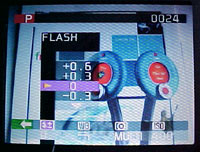
| Adjusts the flash intensity by 0.3EV
increments. |
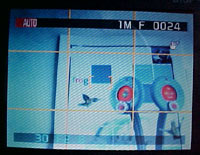
Frame for composing a shot. |
|
|
|
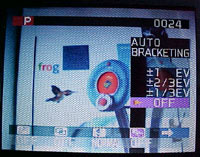
| Shoots three consecutive images at different
exposures. |
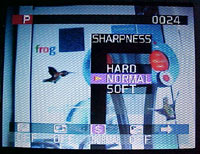
Used to soften or emphasize outlines or to adjust
image quality. |
|
|
|
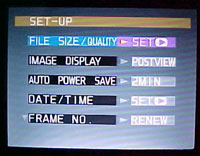
| Main setting screen. |
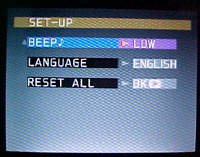
Secondary settings screen. |
|
|
|
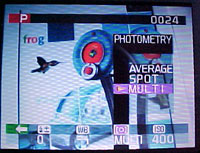
| Used when the brightness of a scene differs
greatly. |
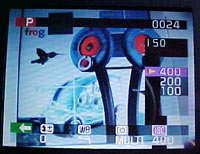
ISO settings range from iso100 to iso400 |
|
|
|
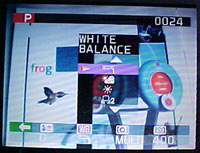
| Changes the white balance to accommodate different
lighting environments. |
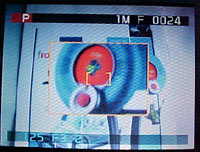
Focus check brings up an enlarged section to aid
the photographer when manually adjusting the focus. |
|
|
|
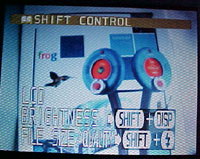
| Adjust LCD settings. |
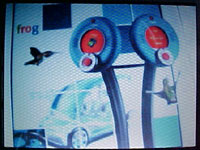
Normal viewfinder screen. |
|
|
|
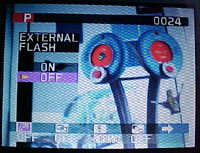
| Activates the external flash if used.
Synchronized to 1/1000 sec. |
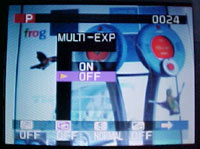
Overlays images on top of each other to give a
final image that cannot be obtained through normal
photography. |






 RSS Newsletter
